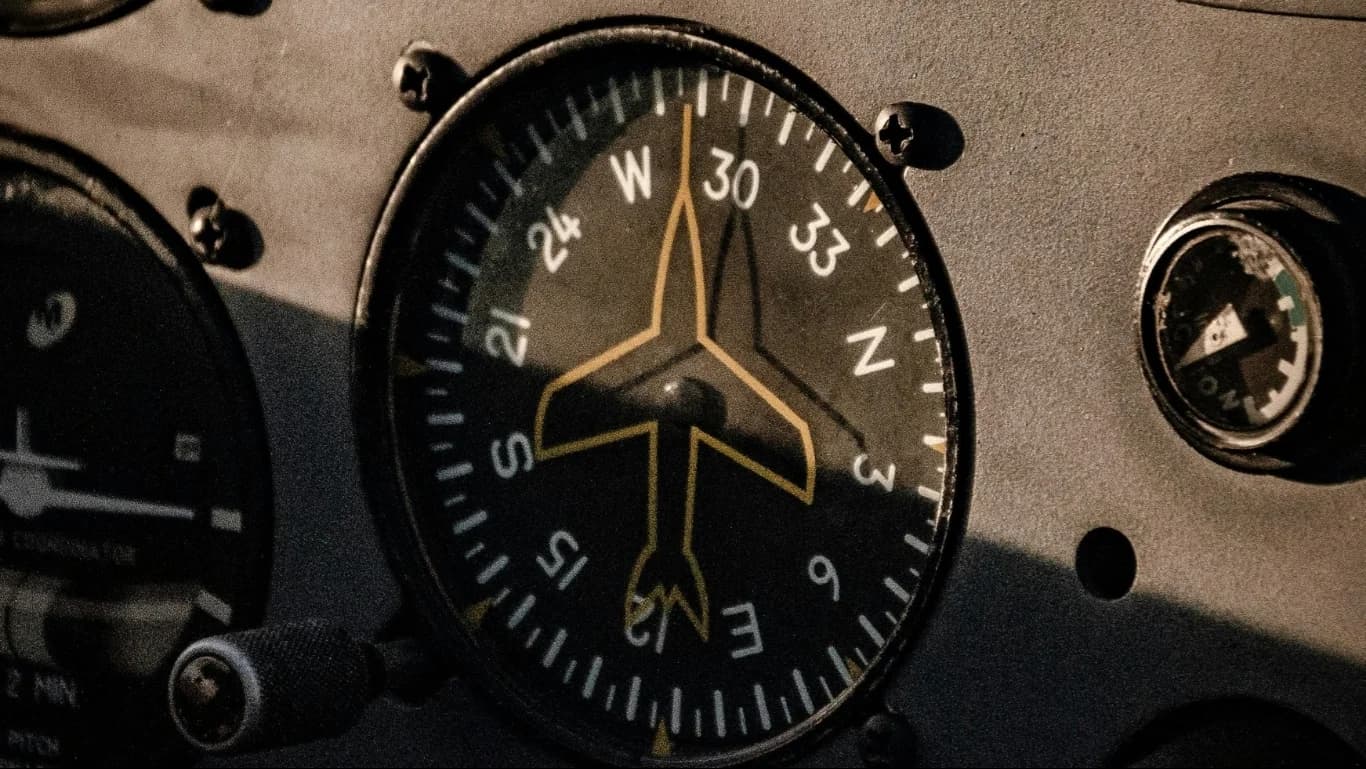
A digital magnetic compass tells a vehicle, robot or instrument which way it is pointing by sensing the Earth's magnetic field. That field is weak, and almost everything around a compass disturbs it: the steel of a vehicle's chassis, a motor, a battery cable, a speaker. Calibration is how a compass learns the disturbances of the place it is installed and removes them. An uncalibrated compass can be wrong by many degrees; a well-calibrated one can be accurate to about a degree.
How a digital compass works
A digital compass such as Aeron's Galileo DMC300 contains a triaxial magnetometer, which measures the magnetic field along three axes, and a triaxial accelerometer. The accelerometer measures roll and pitch from the direction of gravity, and those angles are used to tilt-compensate the heading: the magnetic field is rotated back into the horizontal plane, so the heading stays correct when the compass is not level. A digital filter reduces noise so heading can be computed even in dynamic conditions.
What disturbs a compass
- Hard iron: permanent magnetic fields that move with the compass, from magnets, magnetised steel, motors and wires carrying high current. Hard iron adds a fixed offset to the field the compass sees, whatever direction it faces.
- Soft iron: materials such as ordinary steel and nickel that are not magnets themselves but bend the Earth's field around them. Soft iron distorts the field differently depending on the compass's direction.
- Sensor errors: small differences in sensitivity between the three magnetometer axes, and axes that are not exactly at right angles or not exactly aligned with the housing.
- Magnetic declination: the difference between magnetic north and true north, which depends on where on Earth you are and changes slowly over the years.
What calibration does
If a perfect magnetometer is turned through every direction in a clean magnetic field, the tips of the field vectors it measures lie on a sphere centred on zero. Hard iron shifts that sphere away from the centre. Soft iron and sensor errors squash it into an ellipsoid. Calibration collects measurements while the compass is turned through many orientations, fits the shape they form, and works out the offset and the correction that turn it back into a centred sphere. The device then applies that correction to every reading.
Because the disturbances come from the installation, calibration must be done with the compass mounted where it will be used, with the surrounding equipment in place and, ideally, switched on as it will be in operation. A compass calibrated on a bench and then bolted next to a motor will be wrong.
A calibration procedure step by step
- Choose the place. Work in an open area away from steel buildings, parked vehicles, reinforced concrete and power lines.
- Mount the compass for good. Fix it firmly in its final position, away from sharp edges of ferromagnetic material, which concentrate distortion.
- Start the calibration mode in the device's configuration software. The Galileo DMC300 comes with a desktop software suite for configuration, data display and logging, and supports hard iron and soft iron calibration.
- Rotate through the orientations. Turn the vehicle or instrument slowly through a full circle, and where possible through different tilts too, so the software sees the field from many directions. For Aeron's INS, the recommended practice is a circular motion on a horizontal surface with roll and pitch within ±5°.
- Check the result. Compare the calibrated heading with a known reference at several headings. Aeron's configuration utility for its INS lets you enter a reference heading and saves the offset between the device and the reference.
- Set the location. Enter the latitude and longitude of the site, or use a GNSS fix where available, so the device can apply the correct magnetic declination from the World Magnetic Model and report true heading.
The full procedure for Aeron's inertial navigation systems is in Magnetometer calibration of Aeron's INS products.
When to calibrate again
- after installing the compass, or moving it;
- after adding, removing or moving equipment near it, such as batteries, motors or steel brackets;
- after the vehicle has been repaired or has had a heavy impact;
- when moving the equipment to a region far away, where the Earth's field is different;
- whenever heading checks against a reference start to drift.
What accuracy to expect
Even a calibrated compass has limits. The Galileo DMC300 is specified at ±1° (1σ) heading accuracy in static and semi-static conditions, with roll and pitch below 45° and within latitudes of ±60°. Near the magnetic poles, where the horizontal part of the field is small, any compass becomes less reliable. Where heading must stay accurate through fast manoeuvres or near large steel structures, a GNSS-aided inertial navigation system with dual-antenna heading is the better tool.
For help calibrating a Galileo compass or an Aeron INS on your platform, contact our support team.